
4D BIM Services
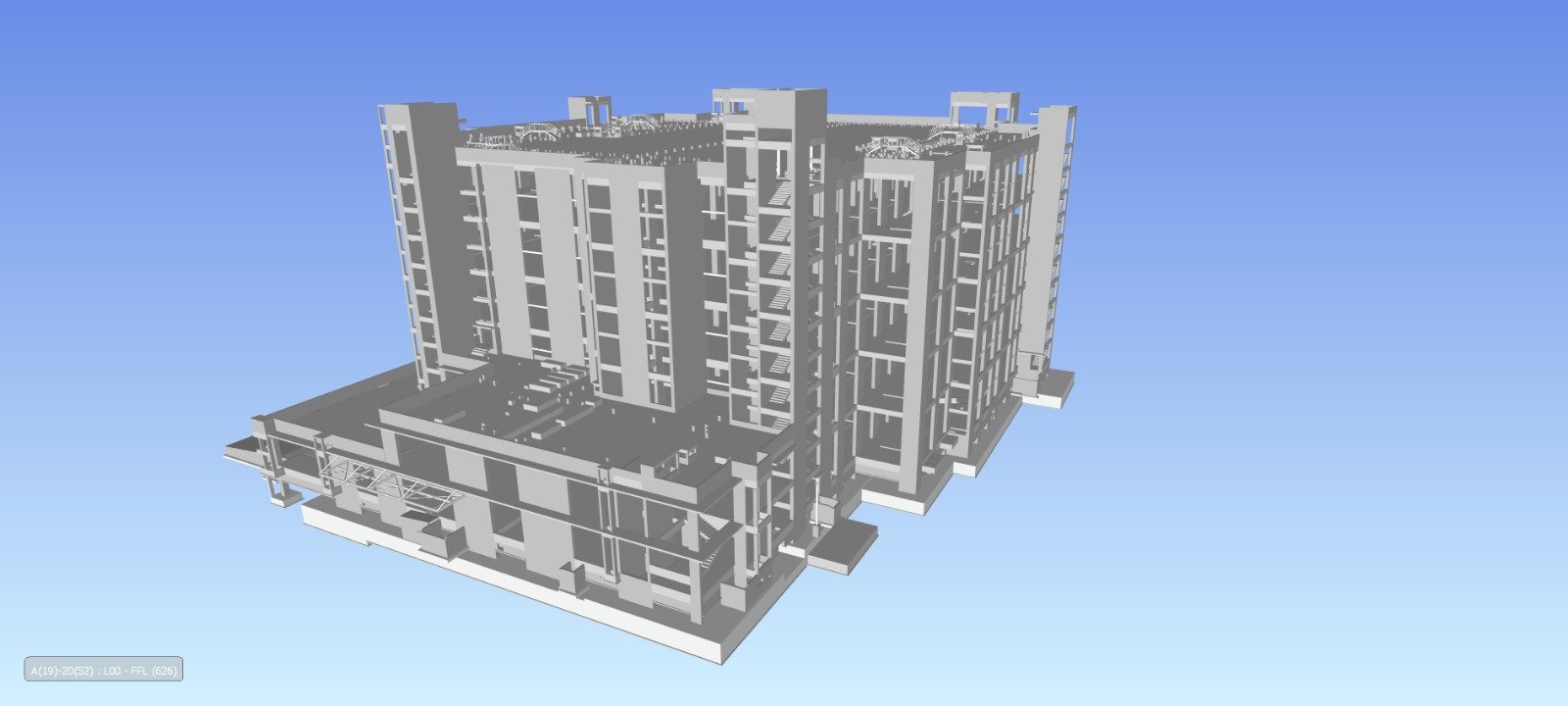
VDC Point provides 4D BIM services that connect 3D building information models with construction schedules and project activities. By linking model elements to planned time-based tasks, project teams can visualize construction sequence, review phasing, study site logistics, communicate planned progress, and identify scheduling or coordination concerns before work reaches the site.
4D BIM for Construction Scheduling , Sequencing & Progress Visualization
4D BIM adds the time dimension to a 3D BIM environment. Instead of viewing building components only as geometry, project teams can associate model elements with activities in a construction programme and visualize when different parts of the project are planned to be built.
A 4D model can support construction planning, sequence review, stakeholder communication, logistics planning, progress visualization, and schedule coordination. It does not replace the project schedule or the judgment of the construction management team; it provides a visual model-based environment for reviewing and communicating the planned sequence.
Our 4D BIM Services
4D & BIM
Our 4D BIM Services - Key Capabilities
Time-based BIM solutions designed to visualize construction sequences, improve scheduling, and support efficient project execution.
4D BIM Modeling
- Link BIM model elements to construction activities and planned time periods to create a time-based project visualization.
Construction Sequence Simulation
- Visualize the planned order of construction activities and identify sequence relationships between building elements and work packages.
Schedule Integration
- Map model elements to approved construction schedules
- activity structures
- milestones
- project phases where suitable data is available.
Construction Phasing
- Create phase-based visualizations for foundations
- structure
- envelope
- MEP installation
- interiors
- external works
- construction packages
Technology-Driven 4D BIM Services
Autodesk Revit can provide the BIM model environment, while Navisworks and compatible scheduling or coordination workflows can support 4D review and simulation. Other project-approved scheduling, BIM, or data-exchange tools can be incorporated when required.





4D BIM Services for Real-World Building Projects
Developed detailed 4D BIM Services for real-world building projects, focusing on accurate design, structure, materials, and overall visualization.
Structural BIM for Educational & Religious Facilities
High-precision Structural BIM Modeling and Drafting for large-scale educational and religious infrastructure projects in New York, USA.
Hyperscale Data Center — BIM Modeling & Coordination
Comprehensive Data Center BIM Modeling, MEP coordination, clash detection, and construction documentation support for a large-scale 15+ acre hyperscale data center project.
Park Field — Residential & Commercial BIM Coordination
High-detail BIM Modeling and MEP Coordination for a B+G+P+19-floor mixed-use residential and commercial development, delivered at LOD 400.
4D BIM Services Across Sectors
Our 4D BIM Services can be adapted to different project types and construction environments.
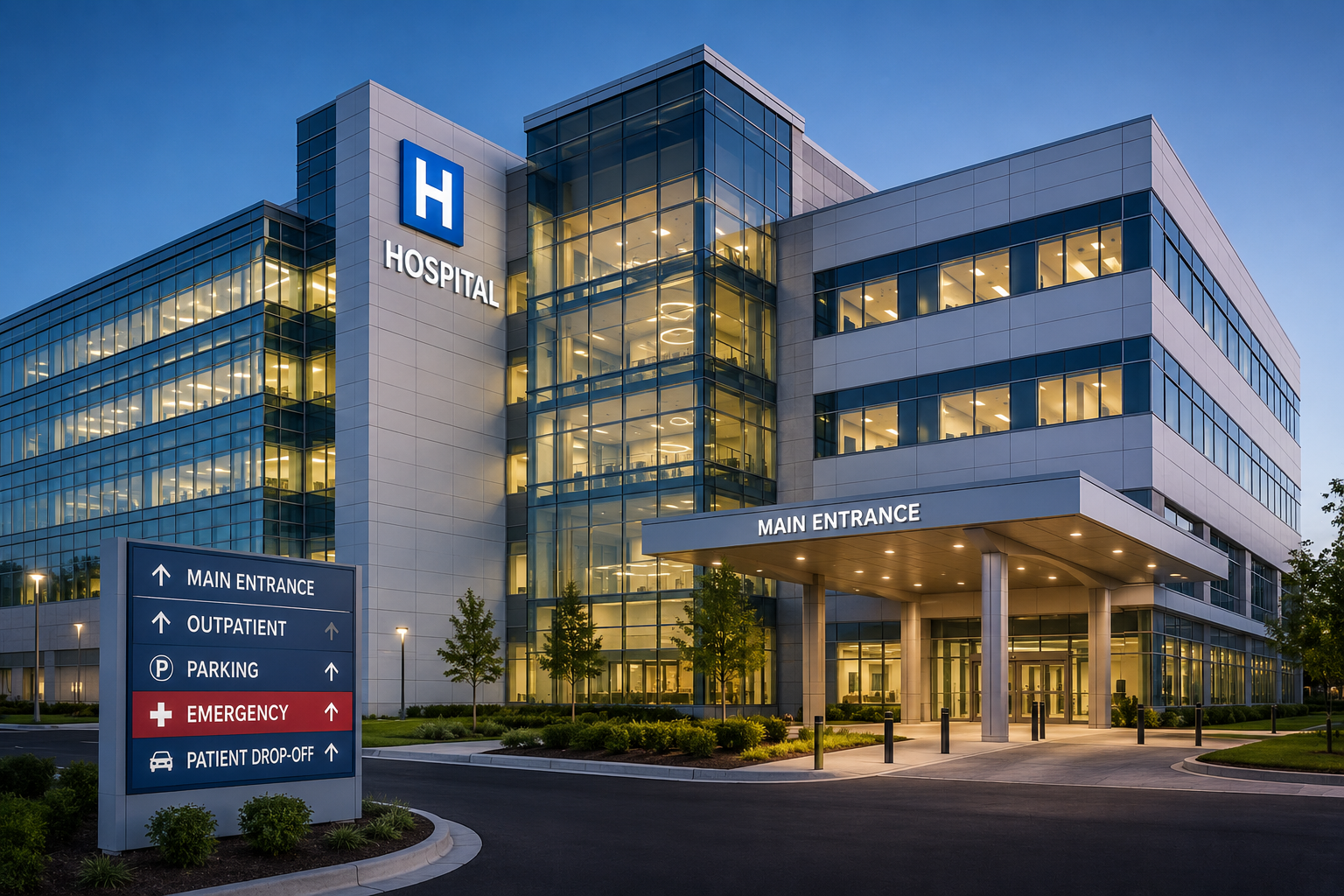
Residential
Villas, Apartments , Townhouses, Residential complexes, Housing developments, .
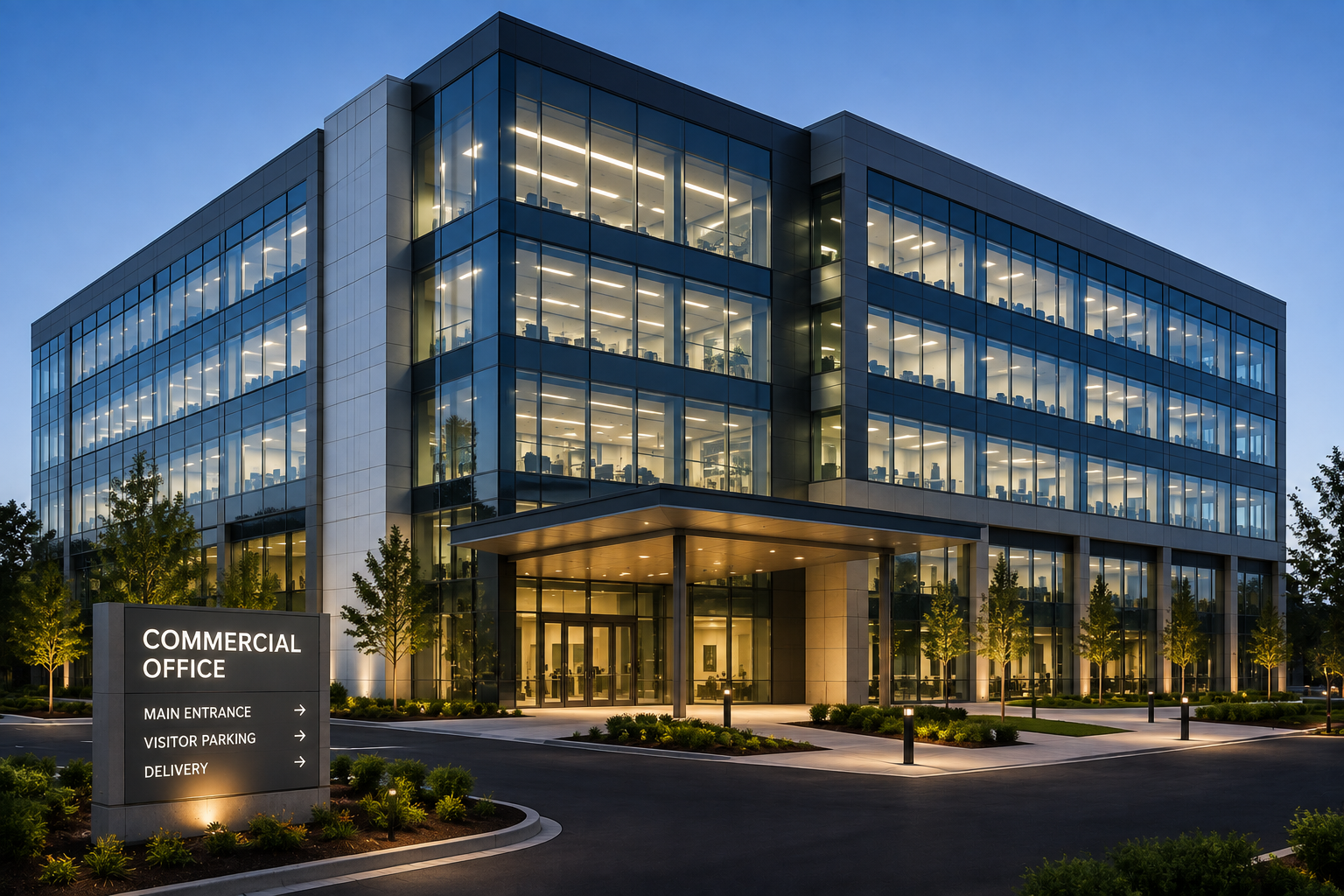
Commercial
Office buildings , Corporate facilities ,Commercial complexes , Business parks

Educational
Schools , Colleges ,Universities ,Training centers ,Institutional buildings

Healthcare
Hospitals , Clinics , Medical centers , Diagnostic facilities , Healthcare campuses

Infrastructure
Public facilities, Civic buildings ,Transportation-related buildings , Infrastructure facilities
Our 4D BIM Services Workflow
A defined modeling workflow helps maintain accuracy, consistency, and alignment between project requirements and final deliverables.

Project & Schedule Review
Review BIM models, construction programme, work breakdown structure, activity coding, project phases, milestones, sequencing requirements, and intended 4D outputs.

Model & Data Validation
Check model structure, element organization, disciplines, zones, levels, revisions, and available information required for schedule mapping.

Schedule Preparation
Review or structure the supplied activities so they can be associated with relevant model elements and work packages

Model-to-Activity Mapping
Link BIM elements or groups of elements to corresponding construction activities, phases, zones, or work packages.

Revisions & Final Delivery
Issue the agreed 4D model, simulation, views, reports, or other project-specific outputs.
Frequently Asked Questions
Answers to the questions we hear most often about our BIM Services.
Let’s Build Your Next Engineering Project
From precision CAD drafting and 3D architectural modeling to coordinated BIM and structural detailing, we deliver accurate, construction-ready solutions. Share your project requirements and get an engineering solution tailored to your scope, timeline, and standards.
- Fast Response Get a response within 1 business day
- Expert Project Support Dedicated engineering coordination project
- Flexible Engagement Start with a consultation
- 98% Quality-Focused Delivery 127+ projects
SCHEDULE A CONSULTATION
Tell us about your project
Our Global Presence