
Scan to BIM Services
VDC Point provides Scan to BIM services that convert point cloud, laser scan, survey, and existing-building information into structured BIM models. Our workflows support architects, engineers, contractors, developers, survey teams, and BIM/VDC teams working on renovation, retrofit, restoration, as-built documentation, facility upgrades, and existing-condition projects.
Point Cloud BIM Modeling Services
Existing-Condition Documentation
Scan to BIM is the process of using laser scanning or other reality-capture information to create a digital building model. Point clouds provide dense spatial data from existing conditions, while BIM modeling organizes that information into meaningful building elements such as walls, floors, roofs, structural members, equipment, ducts, pipes, electrical components, doors, windows, and other required categories.
The quality of the final BIM model depends on the accuracy and completeness of the supplied scan data, survey control, registration, project requirements, and agreed modeling scope. VDC Point works from the available approved reality-capture information and documents the model according to the defined requirements.
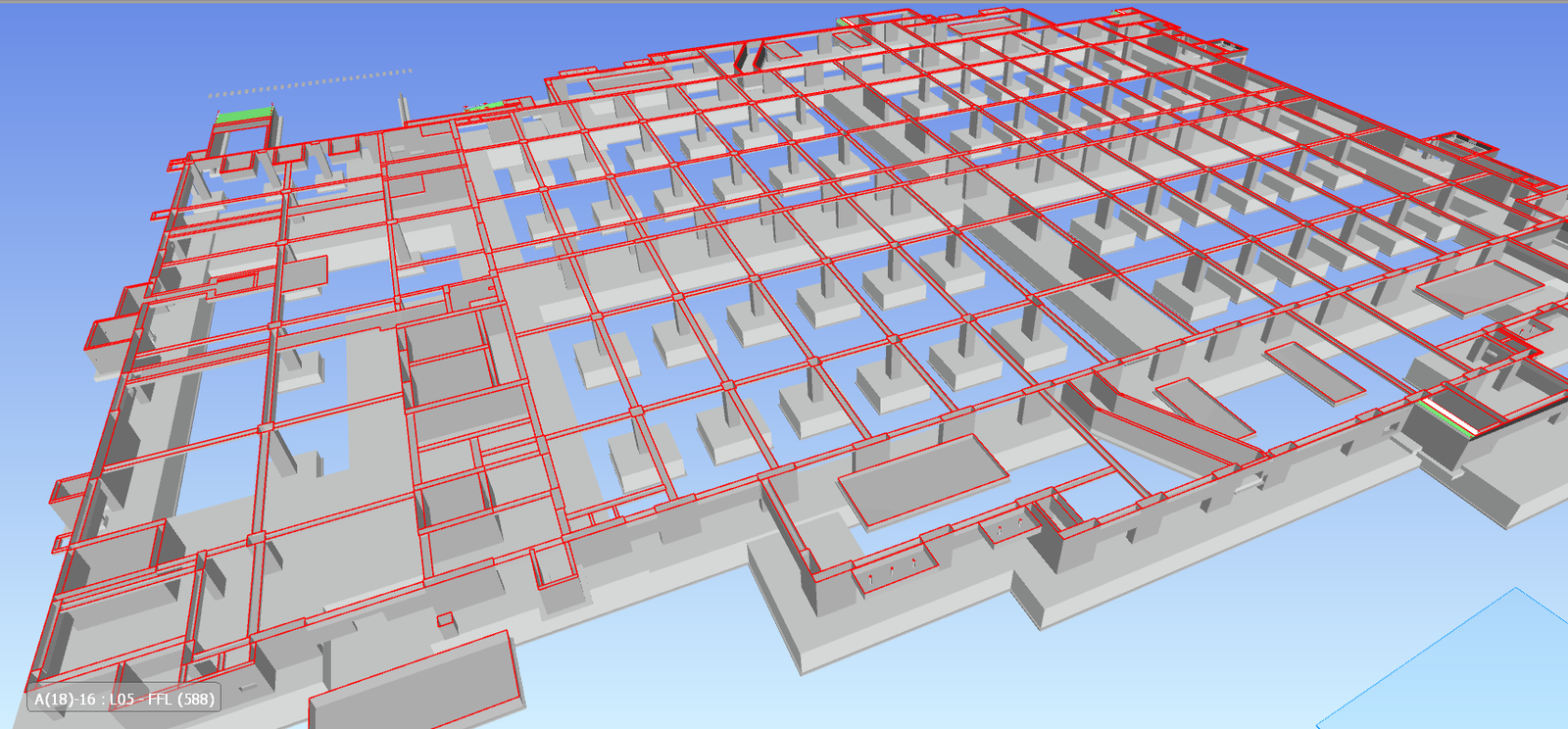
Our Scan To BIM Services
Scan To & BIM
Our Scan To BIM Services - Key Capabilities
Accurate existing-condition Scan To BIM Services developed from point clouds and laser scan data for renovation, documentation, and facility management.
Point Cloud to BIM Modeling
- Develop structured BIM models from registered point clouds and other approved reality capture data.
Laser Scan to Revit
- Use point-cloud information as a reference for developing architectural
- structural, and MEP models in Autodesk Revit
Architectural Scan to BIM
- Model existing walls
- floors
- roofs
- ceilings
- doors
- windows
- façades
- stairs
- rooms
- architectural elements captured by the scan
Structural Scan to BIM
- Model existing structural components such as columns
- beams
- slabs
- walls
- framing
- foundations
- documented structural elements
Technology-Driven Scan To BIM Services
We embed inside your existing stack — no forced migrations, no new tools to learn.




Scan To BIM Services for Real-World Building Projects
Developed detailed Scan To BIM Services for real-world building projects, focusing on accurate design, structure, materials, and overall visualization.
Structural BIM for Educational & Religious Facilities
High-precision Structural BIM Modeling and Drafting for large-scale educational and religious infrastructure projects in New York, USA.
Hyperscale Data Center — BIM Modeling & Coordination
Comprehensive Data Center BIM Modeling, MEP coordination, clash detection, and construction documentation support for a large-scale 15+ acre hyperscale data center project.
Park Field — Residential & Commercial BIM Coordination
High-detail BIM Modeling and MEP Coordination for a B+G+P+19-floor mixed-use residential and commercial development, delivered at LOD 400.
Scan To BIM Across Sectors
Our Scan To BIM services can be adapted to different project types and construction environments.
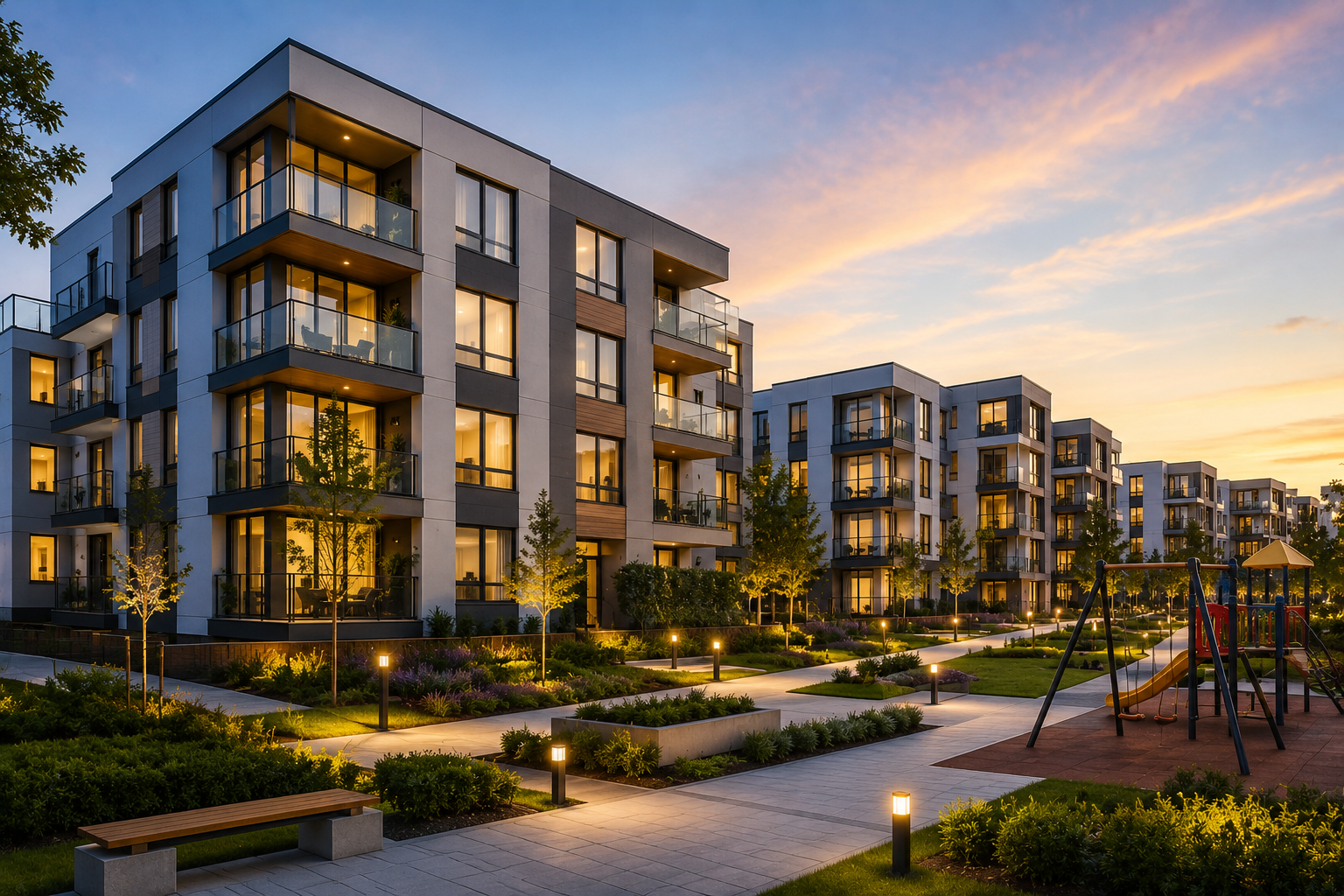
Residential
Villas, Apartments , Townhouses, Residential complexes, Housing developments, .
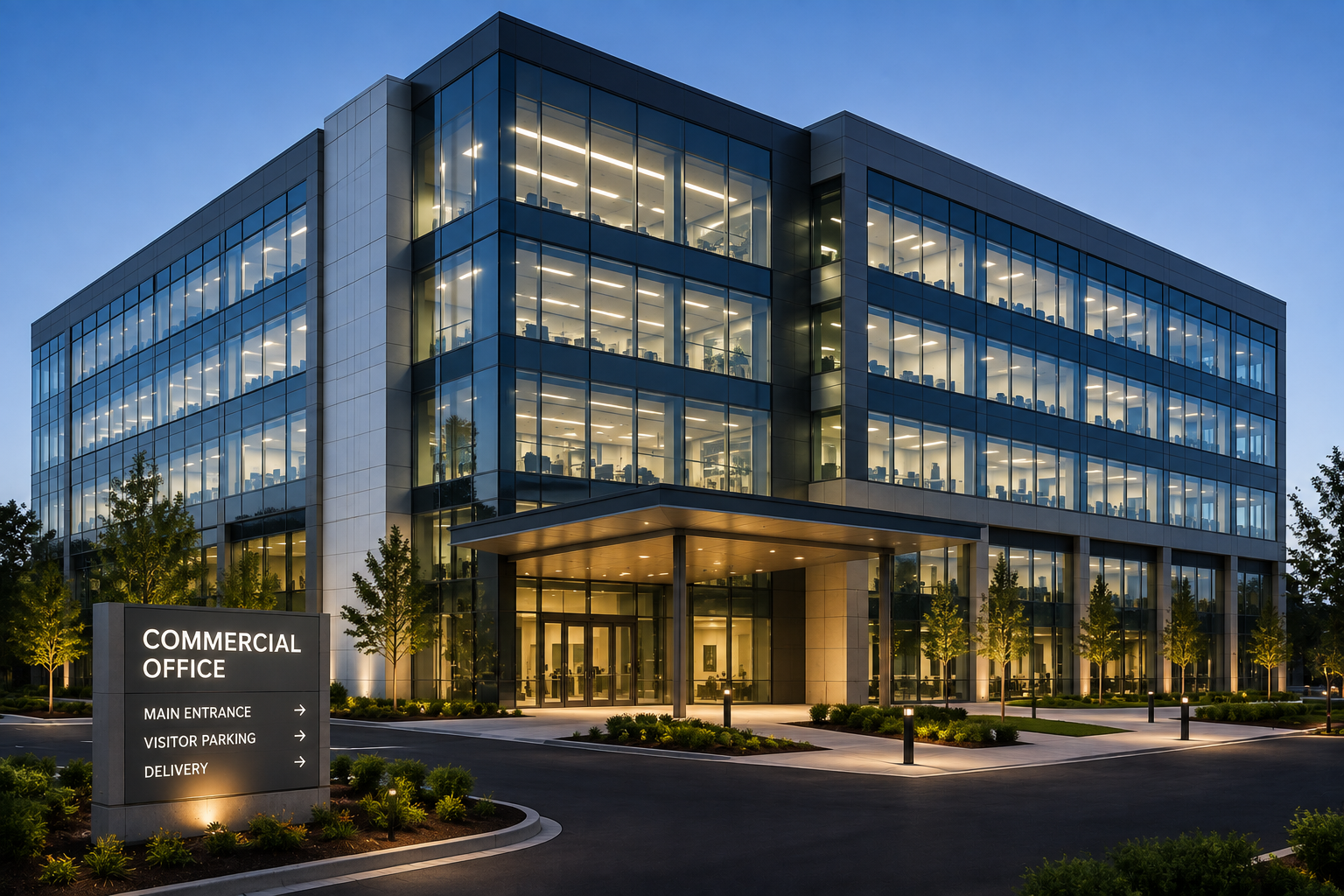
Commercial
Office buildings , Corporate facilities ,Commercial complexes , Business parks

Educational
Schools , Colleges ,Universities ,Training centers ,Institutional buildings
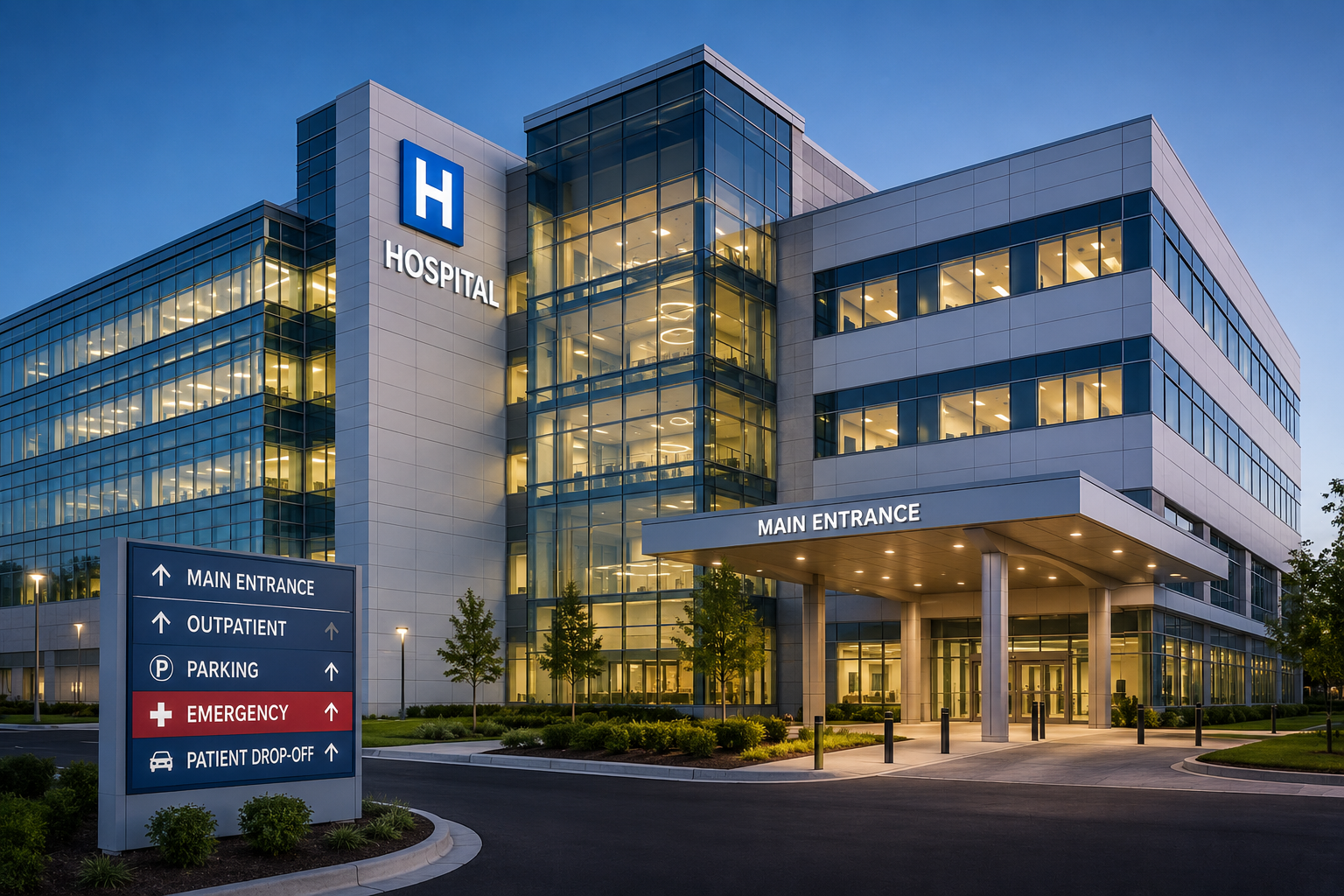
Healthcare
Hospitals , Clinics , Medical centers , Diagnostic facilities , Healthcare campuses

Infrastructure
Public facilities, Civic buildings ,Transportation-related buildings , Infrastructure facilities
Our Scan To BIM services Workflow
A defined modeling workflow helps maintain accuracy, consistency, and alignment between project requirements and final deliverables.

Project Scope Review
Define the building area, disciplines, intended BIM use, required LOD, coordinate system, deliverables, and project standards.

Point Cloud & Input Review
Review the supplied point-cloud files, registration information, survey control, drawings, photographs, specifications, and other available references.

Coordinate & BIM Setup
Establish the project coordinate system, levels, grids, templates, units, naming conventions, and required BIM structure

Point Cloud-Based Modeling
Develop architectural, structural, MEP, or other agreed model elements by referencing the available scan information

Revisions & Final Delivery
Issue the completed BIM model and agreed documentation or exchange formats.
Frequently Asked Questions
Answers to the questions we hear most often about our BIM Services.
Let’s Build Your Next Engineering Project
From precision CAD drafting and 3D architectural modeling to coordinated BIM and structural detailing, we deliver accurate, construction-ready solutions. Share your project requirements and get an engineering solution tailored to your scope, timeline, and standards.
- Fast Response Get a response within 1 business day
- Expert Project Support Dedicated engineering coordination project
- Flexible Engagement Start with a consultation
- 98% Quality-Focused Delivery 127+ projects
SCHEDULE A CONSULTATION
Tell us about your project
Our Global Presence